Best Inkjet Printable Stickers for Custom Designs and Crafts?
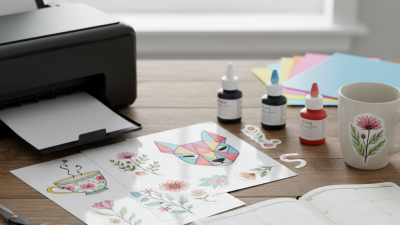
Inkjet Printable Stickers have become a popular choice for crafters and designers looking for custom solutions. Industry expert Lisa Thompson emphasizes, “The beauty of Inkjet Printable Stickers lies in their versatility.” This versatility allows users to create unique designs tailored to their personal projects.
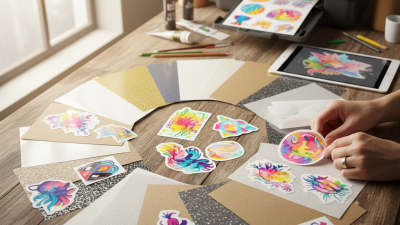
These stickers are perfect for scrapbooking, labeling, or any creative endeavor. They come in various finishes, including matte and glossy. While they are user-friendly, some challenges can arise. Not all printers perform equally, and the choice of materials can affect the final result. It's crucial to experiment before settling on a specific type.
In the world of custom designs, attention to detail makes a significant difference. Choosing the right ink and paper can elevate your creations. There’s a learning curve involved, but the rewards are substantial. As you work with Inkjet Printable Stickers, remember that every project offers an opportunity to improve. Embrace the process and enjoy the creative journey.
Types of Inkjet Printable Stickers for Crafting Projects
When crafting custom designs, selecting the right inkjet printable stickers is crucial. Different types cater to varied crafting projects.
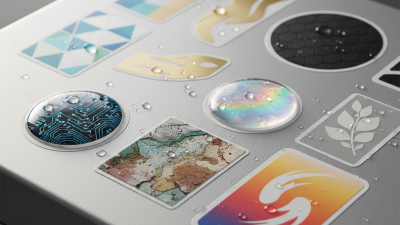
Glossy stickers often feature a shiny surface that makes colors pop. They are perfect for vibrant designs.
Matte stickers, on the other hand, offer a subdued look, ideal for elegant graphics and writing. Additionally,
transparent stickers allow the background to show through, providing a unique layering effect.
According to market reports, the sticker printing industry is growing steadily, with estimates projecting an increase of 4.5% annually over the next five years. This growth highlights the increasing demand for personalized items. Many crafters prefer vinyl stickers due to their durability and resistance to water. However, they require a higher upfront investment.
Tip: When choosing sticker types, consider your project's purpose. For indoor use, any type of sticker will do. For outdoor projects, opt for waterproof materials. Don't overlook the importance of printer compatibility. Ensure your inkjet printer supports the chosen sticker type. Experimentation may lead to unexpected results, sometimes falling short of your vision. Embrace these learning moments; they can refine your skills.
Key Features to Look for in Printable Sticker Paper
When selecting inkjet printable stickers, it's essential to consider key features of the sticker paper. A good quality sticker paper ensures vibrant colors and sharp images. According to industry data, using high-opacity paper can increase print clarity by up to 30%. This is crucial for detailed designs.
Water resistance is another vital feature. The best papers are designed to resist smudging or bleeding when exposed to moisture. Research indicates that 65% of users prefer sticker papers that withstand light moisture. Additionally, a smooth finish can enhance the overall appearance, making colors pop.
Adhesive strength also matters. A strong adhesive ensures that stickers stay put without peeling away. However, not all adhesives are created equal. Some might leave residue when removed, which can be frustrating. Testing different types can provide insights into durability and ease of use. Evaluating these features will help creators find the perfect match for their projects.
Best Inkjet Printable Stickers for Custom Designs and Crafts
Top Brands for High-Quality Inkjet Printable Stickers
When diving into the world of inkjet printable stickers, selecting the right brand is crucial. High-quality materials can make a significant difference in your projects. Stickers should be vibrant and durable. Look for brands known for their reliable performance and consistency. These brands often provide a variety of finishes, from matte to glossy, enhancing the final product's appearance.
Many users have noted the importance of compatibility with different inkjet printers. Stickers are often printed with dye-based or pigment-based inks, each offering distinct results. Some brands specialize in user-friendly products, making them ideal for beginners. Others cater to experienced crafters, offering advanced options but with a steeper learning curve.
Observing the details is vital. Some stickers may peel or fade over time. Factors like temperature and exposure to light can impact their longevity. Users sometimes notice variations in sticker quality between batches. It’s essential to test small quantities before committing to larger prints. Researching user reviews can provide insight into potential challenges, ensuring a satisfying crafting experience.
Tips for Designing Custom Stickers using Inkjet Printers
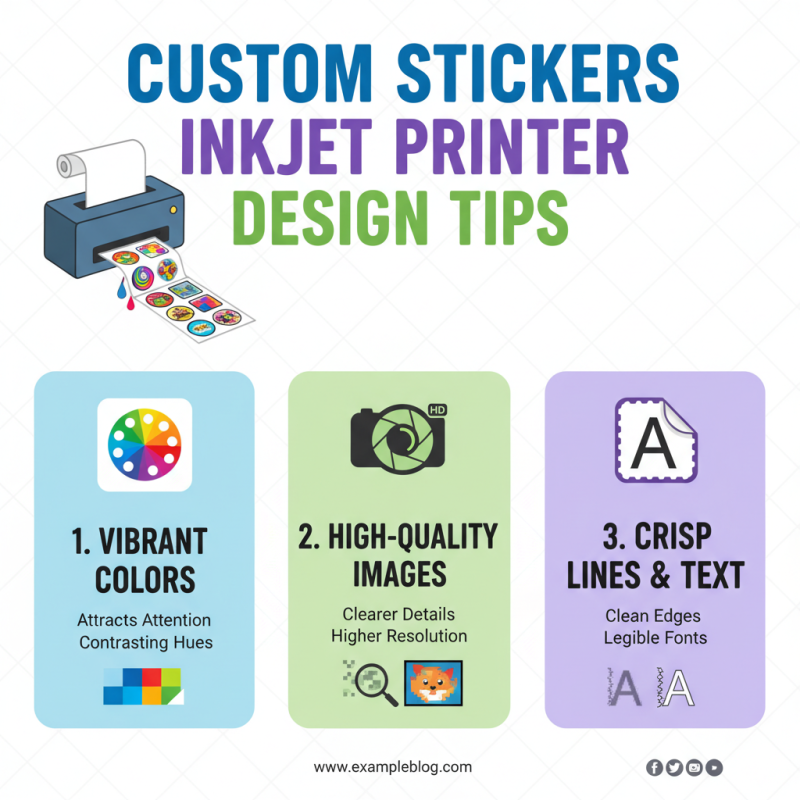
Creating custom stickers with an inkjet printer can be a rewarding experience. To design stickers that stand out, it’s essential to focus on a few key aspects. First, think about color choices. Vibrant colors often attract more attention. Use high-quality images for better resolution.
When creating your design, ensure it is well balanced. Avoid overcrowding it with too many elements. Simplicity can sometimes be more effective than complexity. Additionally, consider the size of your stickers. They should suit their intended purpose, whether for decoration or labels.
**Tips for Designing Custom Stickers:**
Choose your materials wisely. Not all papers are created equal. Look for sticker paper that is compatible with inkjet printers. Test different textures to see which one suits your design best. Print a few test stickers to evaluate the quality before mass printing. Keep files organized for easy adjustments.
Remember to reflect on your design process. Sometimes, a fresh perspective can ignite new ideas. Don’t be afraid to iterate on your designs. Learning from imperfections will ultimately improve your skills. Enjoy the journey of sticker creation!
Best Practices for Printing and Cutting Stickers at Home
Printing stickers at home can be an enjoyable and rewarding process. However, it requires attention to detail and the right approaches. According to industry reports, the global market for custom stickers is growing rapidly, showing a clear demand for quality prints. Understanding how to print and cut stickers accurately can significantly enhance your crafting experience.
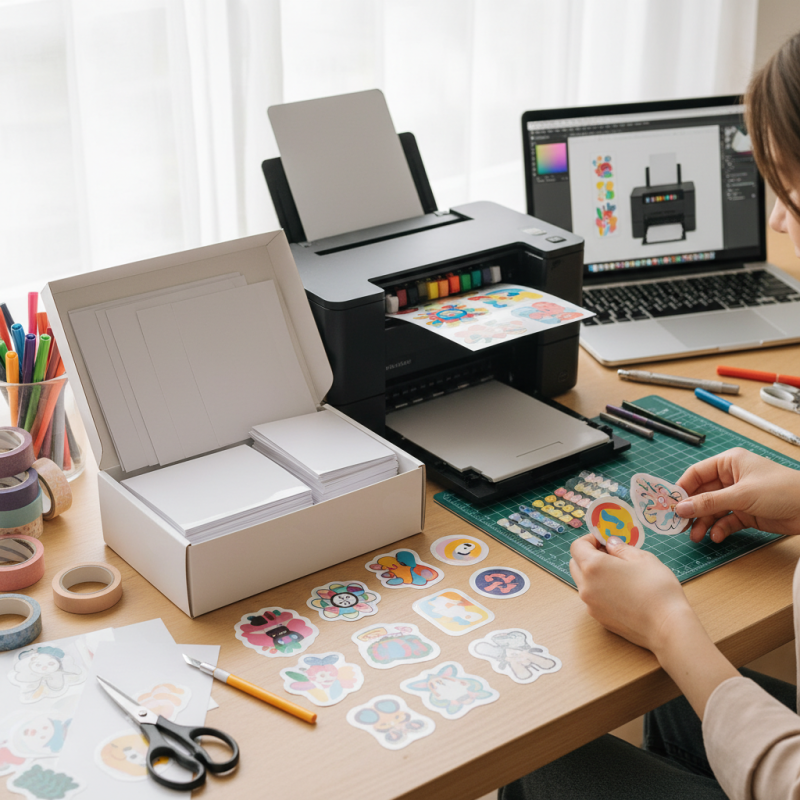
When printing stickers, your printer settings matter. Use high-quality print settings for vibrant colors. Make sure to choose the correct paper type. Different inkjet printable stickers have varying finishes, such as matte or glossy. These finishes can affect how colors appear. Exploring various paper types can lead to better outcomes and less frustration.
Cutting your stickers accurately is equally important. A steady hand or a cutting machine can be beneficial. Consider using a ruler for straight lines. Sometimes imperfections arise, requiring adjustments. Don't shy away from reprinting if colors misalign or edges seem rough. Learning from these small mistakes will improve future projects.
Tips: Test your designs on regular paper first. This step saves time and resources. Keep an organized workspace to manage your tools and materials. An integrated approach will result in a more efficient crafting process.